

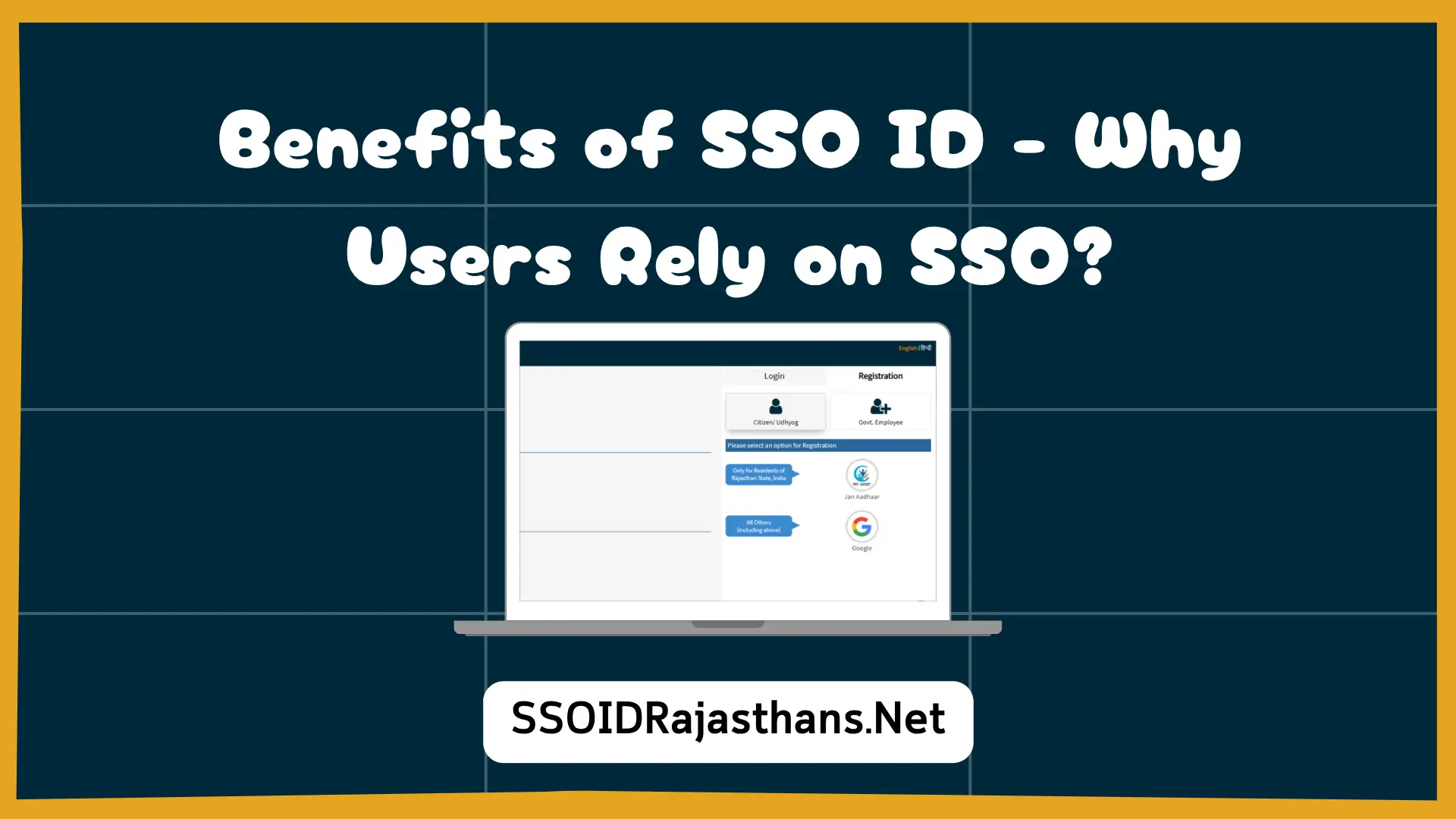
The Rajasthan SSO ID portal offers a single digital account for citizens to access multiple government services efficiently. Security is a major concern when handling personal information online. The platform incorporates strong authentication and verification systems through SSO ID to protect user data. Encryption and controlled access ensure that only authorized users can manage applications. Understanding these safety measures helps users confidently interact with the portal.
Using SSO ID for certificates, welfare programs, and employment submissions reduces risks associated with multiple logins. Secure login credentials and verified contact details are crucial for authentication. The portal is designed to prevent unauthorized access while maintaining user convenience. Citizens can trust that their applications are handled securely at every step.
Proper portal usage, including regular updates of mobile numbers, email addresses, and identification details, strengthens account protection. Digital notifications and encrypted communications prevent data breaches. Users benefit from a streamlined system while submitting applications for welfare schemes, certificates, and employment opportunities safely.
Core Security Features of SSO ID
Two-Step Verification
SSO ID enforces a two-step authentication process to ensure account security. Users receive verification codes on registered mobile numbers or emails during login. This step prevents unauthorized access even if the password is compromised. Additional verification layers strengthen portal integrity. It provides users confidence that sensitive data remains protected.
Data Encryption
All data transferred through the SSO portal is encrypted to maintain confidentiality. Personal information such as Aadhaar numbers, email IDs, and certificates is safeguarded against cyber threats. Encrypted channels protect sensitive content during transmission and storage. Users can submit forms and applications securely. Ongoing encryption updates maintain a high level of portal safety.
Controlled Access Permissions
Access within the portal is limited based on user roles. Only authorized personnel can modify or review application information. Role-based access prevents misuse of sensitive information internally. Citizens retain control over their data. This structured control ensures reliability and accountability in online interactions.
User Responsibilities for Safe Access
Creating Strong Passwords
Strong, unique passwords are essential for account protection. Avoid reusing passwords across different platforms. Updating passwords regularly prevents unauthorized access. Users should store credentials securely to avoid login failures. Proper password management ensures safe access to all services.
Updating Contact Details
- Keep mobile numbers and email addresses current for verification codes
- Correct details prevent login failures and unauthorized access
- Updated information ensures notifications and alerts reach the user
- Accurate contacts maintain seamless portal interaction
Avoiding Public Computers
Logging in from public or shared devices can increase the risk of unauthorized access. Users should access the portal from trusted devices only. Logging out after each session protects account security. Device management prevents accidental breaches. Safe device usage enhances overall portal security.
Monitoring Account Activity
Regularly reviewing account activity is important for detecting suspicious behavior. Alerts or unusual login attempts should be reported immediately. Timely intervention prevents unauthorized access. Monitoring ensures all actions performed on the account are legitimate. Vigilant users reduce the risk of security incidents.
Potential Risks and Their Management
Phishing and Fraud Prevention
Users must remain cautious of fraudulent websites or emails claiming to be SSO ID. Always use the official portal URL for login. Never share credentials with unknown sources. Awareness of phishing threats prevents data compromise. Educated users serve as the first defense against cyber risks.
Keeping Systems Updated
Portal updates include security patches to address vulnerabilities. Accessing the latest version ensures protection from malware or intrusion attempts. Updated systems with SSO ID Login provide safer online interactions. Users benefit from enhanced protection of sensitive information. Regular updates strengthen overall portal security.
Safe Document Management
Documents uploaded to SSO ID are securely stored and accessible only to authorized users. Users should ensure files are free of malware before uploading. Proper handling prevents corruption or misuse of official documents. Verified storage ensures the integrity of certificates and applications.
Using Trusted Networks
- Only access the portal through official links or bookmarks
- Avoid third-party apps or shortcuts for login
- Use secure Wi-Fi or mobile networks to prevent interception
- Trusted connections reduce the risk of unauthorized access
Advantages of Safe SSO ID Usage
Centralized Service Management
A single SSO ID enables management of multiple government services in one account. Centralized access reduces errors and duplicate submissions. Verified login and secure channels ensure safe handling of applications. Users can interact with certificates, welfare programs, and employment modules confidently.
Transparent Application Monitoring
Users can track applications, approvals, and pending tasks in real time. Secure access guarantees accurate notifications and updates. Transparency in tracking builds trust in digital governance. Users can stay informed without compromising personal data.
Minimized Risk of Unauthorized Access
Proper account management, secure devices, and strong credentials prevent unauthorized login attempts. Citizens maintain control over their profiles and applications. Proactive safety measures reduce exposure to cyber threats. Reliable access enhances confidence in using the portal.
Increased User Confidence
- Knowing personal information is secure encourages portal usage
- Users can submit welfare, certificate, and employment applications safely
- Secure login reinforces trust in government services
- Protected access promotes higher participation in online services
Best Practices for SSO Security
Regular Account Review
Periodically check login history, alerts, and pending tasks. Prompt action on suspicious activity prevents breaches. Monitoring ensures authorized use of all features. Regular oversight improves account reliability and security.
Strong and Unique Credentials
Passwords should be complex and unique to the portal. Avoid reusing them across other services. Regular updates reduce the risk of compromise. Strong credentials enhance the safety of all linked applications.
Access Through Official Channels
Always use the official portal URL or bookmarked links. Avoid third-party applications or unofficial sources. Secure channels maintain encryption and authentication. Trusted access ensures data remains protected at all times.
- Monitor account activity frequently for unusual behavior
- Use strong, unique passwords to maintain security
- Access the portal only through official channels
Update Contact Information
Keep mobile numbers and emails current to receive verification codes. Correct details prevent login failures or unauthorized access. Updated contacts support smooth access to certificates, schemes, and employment modules. Accurate information safeguards uninterrupted portal usage.
Conclusion
SSO ID provides a secure and centralized platform for managing certificates, welfare schemes, and employment applications. Encryption, verification, and controlled access protect personal information effectively. Users enhance safety through strong credentials, updated contact details, and trusted devices. Following portal guidelines ensures reliable, transparent, and efficient online interactions. Safe SSO usage allows citizens to complete applications confidently and securely.
